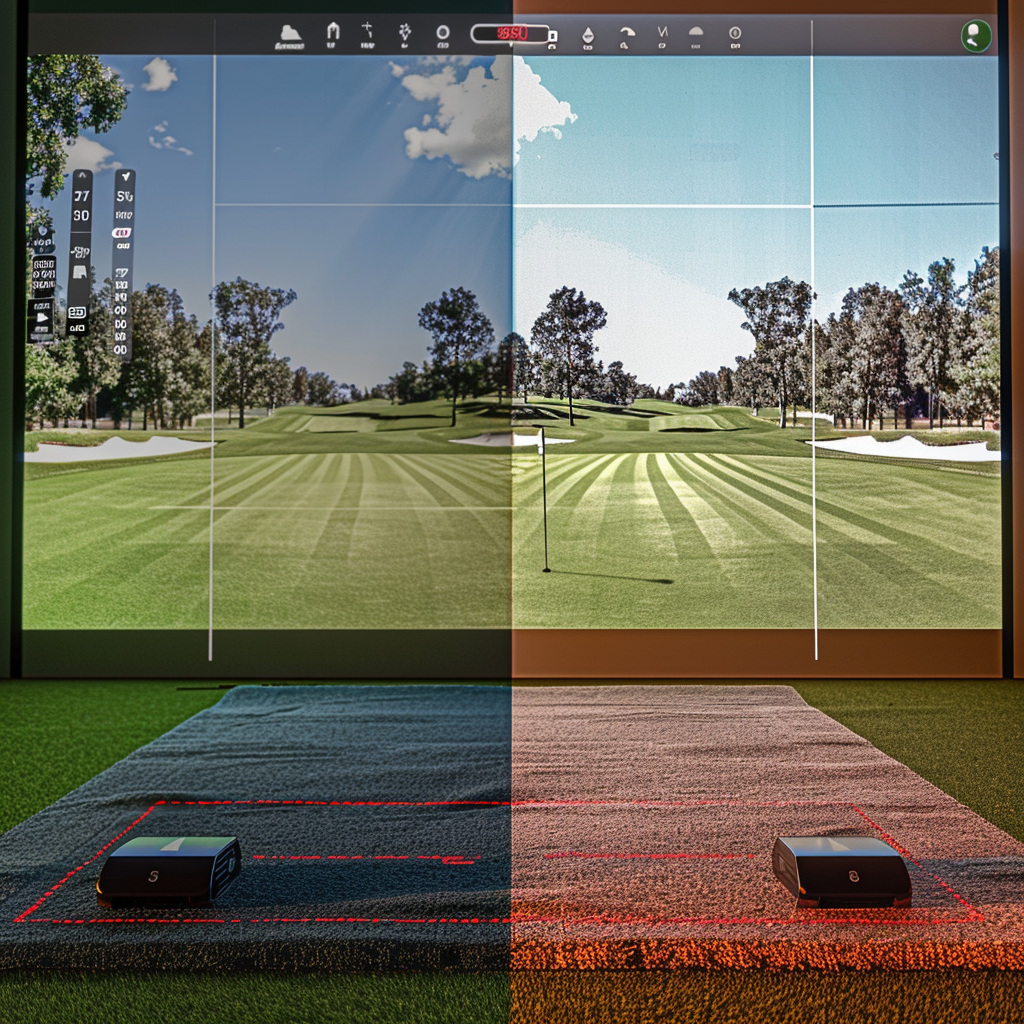
Are you building a home golf simulator and stuck deciding between the FlightScope Mevo+ vs Garmin Approach R10? You are not alone. Both of these radar-based launch monitors offer incredible value for data-driven golfers.
However, their technical capabilities, accuracy benchmarks, and software ecosystems are vastly different. Understanding exactly how each unit processes club data is crucial before spending your money.
The “Quick Answer” / Key Takeaways Box
- The Baseline: Both units utilize 3D Doppler radar technology, but the Mevo+ incorporates Fusion Tracking (Radar + Camera) for superior indoor precision.
- Data Points: The Garmin provides 14 core metrics. The Mevo+ delivers 20 standard ball metrics, expandable to over 30 with the Pro Package.
- Space Requirements: The R10 needs about 15 feet of total depth. The Mevo+ requires slightly more room, ideally 16+ feet for optimal radar capture.
- Putting: The Mevo+ can read putts for full simulator play; the R10 cannot reliably track short rolls.
Analyzing the Hardware Specs
When comparing these two units, we must look past the marketing. It is vital to examine exactly how the hardware captures the golf ball’s flight path.
Garmin’s Approach to 3D Doppler
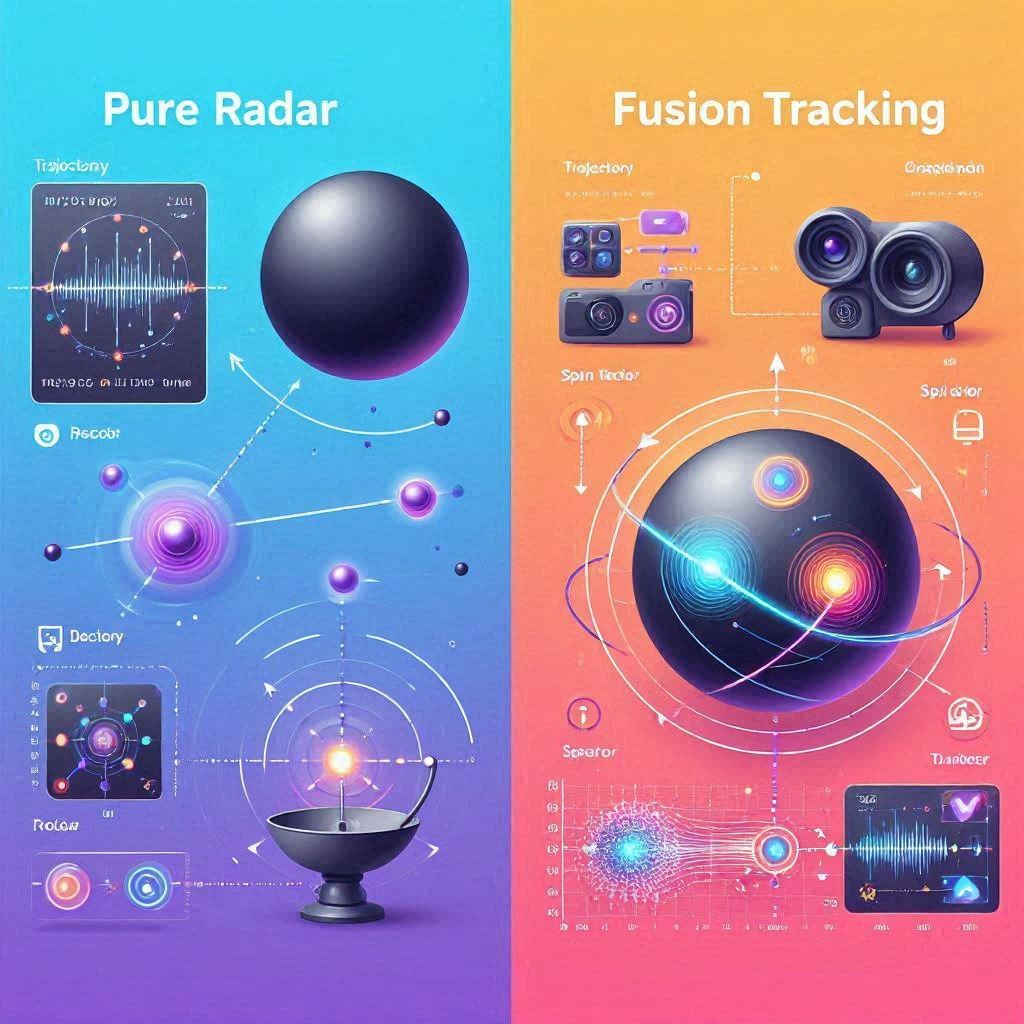
The Garmin device uses a pure micro-radar system. It sits behind the ball and tracks the initial flight, using sophisticated algorithms to calculate the remaining trajectory.
For its price bracket, the driver accuracy is staggering. It frequently measures within 3% of real-life carry distance outdoors. However, because it relies entirely on radar, indoor wedge shots with high spin rates can sometimes result in misreads.
The Mevo+ Fusion Tracking Advantage
The Mevo+ utilizes patented Fusion Tracking technology. This system combines traditional 3D Doppler radar with synchronized image processing from onboard cameras.
By overlaying optical data onto the radar signature, the Mevo+ physically measures the spin rate and spin axis rather than just calculating it. This results in tour-level accuracy, especially when tracking delicate metrics indoors.
Data Benchmarks and Swing Metrics
A launch monitor is only as good as the actionable data it provides. Here is exactly what you get when you step onto the hitting mat.
Core Ball Flight Data
Both monitors will easily give you ball speed, clubhead speed, launch angle, and carry distance. If you are just looking to dial in your yardages at the driving range, either device will suffice.
However, the Mevo+ provides deeper, physically measured analytics. It tracks the Vertical Descent Angle—crucial for knowing if your approach shots will hold the green—and exact Apex Height.
Advanced Club Path Analytics
If you are actively tweaking your swing mechanics, the data gap widens. Out of the box, the Garmin gives you club path and face-to-path estimates calculated from ball flight.
If you upgrade the Mevo+ with the Pro Package, you unlock 12 additional club metrics. You will see your exact Low Point, Club Acceleration Profile, and precisely measured Face Angle. This is the exact biomechanical data used by professional touring coaches.
Space Requirements and Indoor Simulator Play
Building a garage simulator requires strict spatial planning. Radar units must sit behind the golfer to physically “see” the ball take off.
The Room Depth Equation
The Garmin unit is incredibly forgiving with space. You need exactly 7 feet from the device to the ball, and a minimum of 8 feet of ball flight into your impact screen.
The Mevo+ demands more real estate. To get the most accurate indoor readings—especially for high-speed driver swings—you need 8 feet behind the ball and at least 8 to 10 feet of flight to the screen. If your garage is cramped, the radar waves will bounce off the walls, causing severe interference.
Simulator Software Integration
Both systems connect seamlessly to E6 Connect for virtual rounds. But there is a massive difference in the short game experience.
The Mevo+ can physically track putts and delicate chips. The Garmin struggles to pick up the low-speed roll of a putt, forcing you to use auto-putt settings during your virtual rounds.
[INTERNAL LINK: Check out our complete guide to minimizing radar interference in garage golf simulators.]
Battery Life and Ongoing Costs
Hardware is only half the battle. You must factor in daily usability and recurring subscription fees.
Outdoor Portability
Battery endurance separates these two devices clearly. The Garmin Approach R10 is built for marathon sessions, boasting up to 10 hours of continuous battery life.
The Mevo+ is much more power-hungry due to its complex Fusion Tracking and onboard processing. You can expect roughly 90 minutes to 2 hours of battery life. For long simulator rounds, you must keep it plugged into an AC wall outlet.
The Subscription Trap
The Garmin R10 has a lower upfront price, but to access its best features—including detailed data tracking and full simulator play—you must maintain a Garmin Golf subscription.
The Mevo+ requires a larger initial investment, but it operates without any mandatory subscription fees. All of your core data, video clipping, and standard simulation software are permanently unlocked out of the box.
The Premium Upgrade: Making Your Choice
If you are on a strict budget, want extreme portability, and just need to know your basic carry distances, the Garmin unit is a fantastic entry-level tool.
However, if you are building a permanent indoor simulator and demand true accuracy for game improvement, you must step up to the Mevo+.
To maximize your setup, purchase your launch monitor through a dedicated simulation retailer like PlayBetter or Carl’s Place. They offer dedicated technical support, extended warranties, and bundled impact screen packages that standard box stores simply cannot match.
Maximizing Radar Accuracy
Regardless of which unit you choose, follow this quick-action checklist to ensure perfect data:
- Level the Unit: Use a laser level or an alignment stand to ensure the device is perfectly flush with your hitting mat.
- Remove Interference: Turn off fluorescent lights, unplug heavy machinery, and remove spinning fans from the room. Radar waves will pick up moving metallic objects.
- Use RCT Balls: If playing indoors, always use Titleist RCT (Radar Capture Technology) golf balls. The embedded metallic markers allow the radar to lock onto the spin axis instantly.
Read the official USGA guidelines on launch monitor data and club fitting.