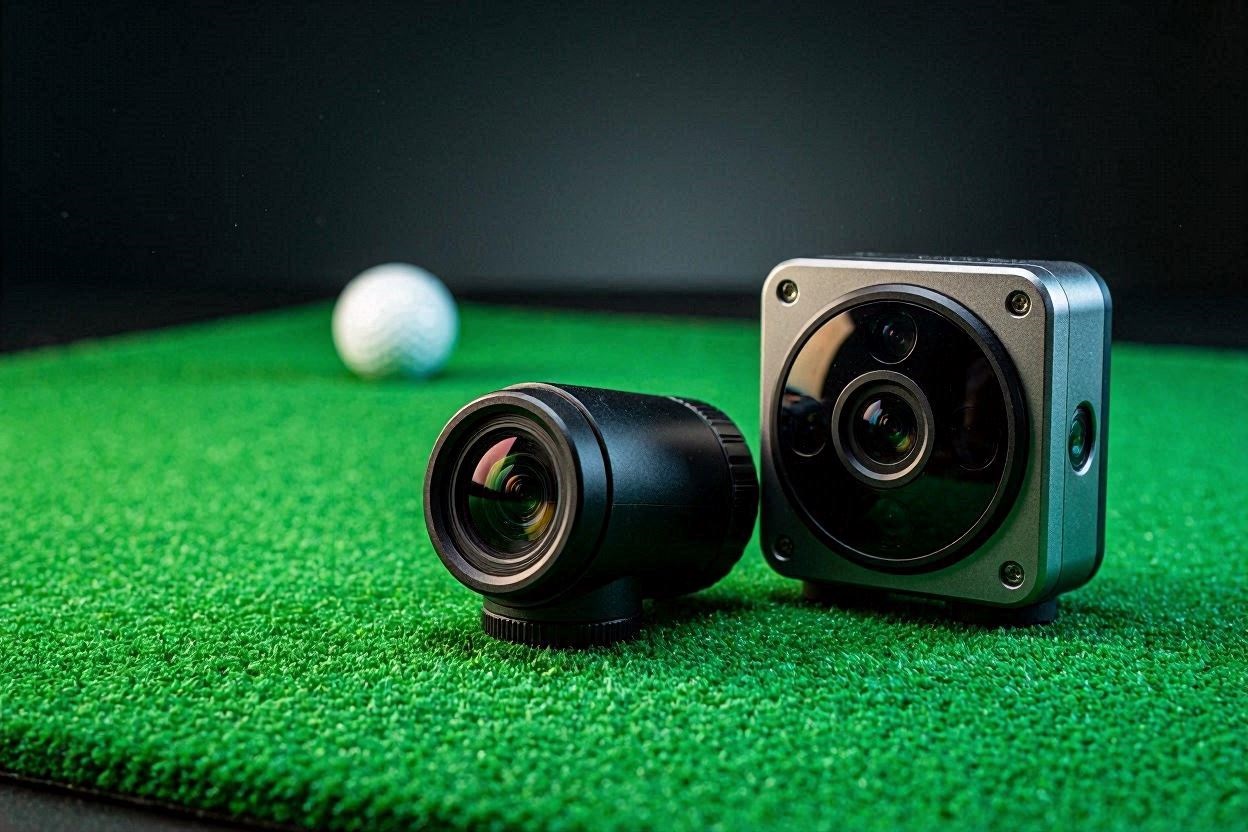
If you are currently researching the Uneekor Eye Mini vs Square Omni for your first indoor golf setup, you are at a critical crossroads in launch monitor technology. Many golfers are drawn to the Uneekor ecosystem due to its brand legacy, but hidden recurring costs and aging dual-camera hardware are causing severe buyer’s remorse in 2026. This technical benchmark guide will dissect the exact photometric specifications, optical tracking limitations, and true cost of ownership between these two heavyweight launch monitors.
The “Quick Answer” / Key Takeaways
- The Subscription Trap: The Uneekor Eye Mini is only subscription-free for the basic driving range; connecting to third-party simulator software (like GSPro) requires a mandatory $199/year “Pro” subscription.
- Camera Hardware: The Square Omni utilizes a superior 4-camera infrared tracking array, eliminating the need for marked balls, whereas the Uneekor Eye Mini relies on an older 2-camera system.
- Impact Replay Realities: Uneekor’s Club Optix provides phenomenal slow-motion clubhead impact video, but you are forced to apply reflective fiducial stickers to every club face.
- The Verdict: If your non-negotiables are clubhead impact data, instant video replay, and a strictly subscription-free environment, the Square Omni completely outclasses the Eye Mini for significantly less capital.
The Photometric Tracking Architecture: Uneekor Eye Mini vs Square Omni
When comparing optical launch monitors, the raw processing power and camera configuration dictate the reliability of your data. Launch monitors sitting parallel to the ball must capture thousands of frames per second to calculate spin axis and club path before the ball leaves the physical hitting zone.
Uneekor Eye Mini: Dual-Camera Dimple Optix
The Uneekor Eye Mini operates on a two-camera photometric system. This system is heavily reliant on a technology Uneekor calls “Dimple Optix.” By blasting the 12-inch by 8-inch hitting zone with high-intensity infrared light, the two high-speed cameras take rapid sequential images of the golf ball. The onboard processor then measures the physical displacement of the ball’s dimples between frames to calculate backspin, sidespin, and spin axis.
While this eliminates the need for expensive, specially marked golf balls, the dual-camera limitation reveals itself when analyzing club delivery. To achieve the highly requested “Clubhead Impact” metrics (Club Speed, Club Path, Attack Angle, and Smash Factor), the Eye Mini’s optical sensors struggle to read naked metal. Therefore, you are forced to manually apply proprietary reflective club stickers to the face of every iron, wedge, and wood in your bag. If a sticker peels off or degrades over time, your club data vanishes.
Square Golf Omni: The Quad-Camera Revolution
Set for a highly anticipated mid-2026 delivery, the Square Golf Omni drastically alters the baseline hardware expectations for portable launch monitors. The Omni deploys a massive hardware upgrade over its predecessor, utilizing a four-camera high-speed infrared tracking system.
By dedicating four independent optical sensors to the hitting zone, the Omni triangulates data with far greater depth perception than the Eye Mini. The immediate technical benefit of this quad-camera array is the total elimination of club stickers and marked balls. The system has enough visual data bandwidth to detect the leading edge of the clubface, groove alignment, and face angle in real-time without relying on reflective fiducial markers. For a player practicing in a basic net and cage setup, this means you can seamlessly drop a ball and swing without worrying about sticker placement or degraded adhesives.
[IMAGE PLACEHOLDER: A close-up technical diagram showing infrared light bouncing off a golf club face towards a camera lens + Close up of infrared optical sensors on a launch monitor utilizing the Uneekor Eye Mini vs Square Omni focus keyword]
The Impact Replay Dilemma
One of your primary requirements is the ability to view “Impact Replay.” Understanding what happens at the exact millisecond of impact is crucial for diagnosing gear effect, strike location, and face-to-path relationships.
Club Optix on the Eye Mini
Uneekor excels in this specific software feature. Their “Club Optix” system provides a dedicated, high-frame-rate video playback of the club striking the ball. In the included VIEW software, this replay is triggered automatically after every shot. It is a brilliant visual aid. You can physically see if you caught the ball thin, out of the toe, or perfectly out of the center.
However, this feature is intrinsically tied to the system’s reliance on a PC. To process and buffer that slow-motion video, the Eye Mini requires a robust PC connection. The technical specifications demand an Intel i5 8400 processor, a GeForce GTX 1060 graphics card, and a direct CAT6 Ethernet connection. If you are just using a cage in your garage and do not want to drag a $1,500 gaming PC out there, your impact replay capabilities are severely bottlenecked. While Uneekor does offer an iPad app (VIEW Air), the heavy video processing is best handled by a dedicated Windows machine.
On-Board Display and Processing on the Omni
The Square Omni circumvents the need for a heavy PC setup by integrating an on-unit display directly into the hardware chassis. Because the quad-camera system handles the club recognition natively, the Omni can display immediate shot feedback, including club delivery metrics, right on the device. While we wait for final 2026 production firmware to confirm the exact frame rate of the Omni’s impact replay video, its standalone processing architecture means you can get critical clubhead impact data entirely untethered from a PC or a tablet.
[EXTERNAL LINK: Detailed breakdown of how photometric launch monitors calculate spin axis and gear effect]
The Subscription Trap: Decoding the “Free” Tier
The most critical factor in the Uneekor Eye Mini vs Square Omni debate is the subscription model. Launch monitor manufacturers have aggressively pivoted toward recurring revenue, gating hardware capabilities behind annual paywalls.
The Uneekor Paywall Structure
It is a common misconception that the Uneekor Eye Mini is subscription-free. It is only subscription-free if you never plan to play virtual golf. The default, free tier is called the “Player” package. This package restricts you to a basic 3D driving range and limits your historical data exports (Power U Reports) to just 100 sessions.
If you ever decide to upgrade your cage to a full simulator and want to connect your Eye Mini to third-party software like GSPro, E6 Connect, or TGC 2019, you hit a hard paywall. Uneekor mandates a $199 per year “Pro” subscription just to unlock the API that allows the launch monitor to talk to third-party software. If you want their advanced AI Trainer, you must upgrade to the “Champion” tier at $399 per year. If you want access to GameDay in 4K, you must pay for the “Ultimate” tier at $599 per year. Over a five-year lifespan, the software subscriptions alone will cost you between $1,000 and $3,000 on top of the initial $3,000 hardware investment.
The Square Omni’s True Independence
The Square Omni was specifically engineered to disrupt this recurring revenue model. The Omni operates on a strictly subscription-free architecture. Out of the box, it includes the proprietary Square Golf Simulator software with zero annual fees. Furthermore, the Omni does not gate its third-party API. If you want to play GSPro, you only pay the GSPro software license to the developers; Square Golf does not charge you a recurring “connection fee” to use the hardware you already own. For a user starting with a simple cage setup who wants the freedom to evolve into a full simulator without recurring extortion, the Omni’s financial model is vastly superior.
[INTERNAL LINK: Comprehensive guide on optimizing your PC for GSPro software performance in 2026]
Hardware Specifications and Setup Requirements
To fully stress-test the Uneekor Eye Mini vs Square Omni, we must look at the physical setup constraints. A launch monitor is useless if it cannot reliably acquire the target in your designated space.
Hitting Zone and Alignment
The Eye Mini features a rigid 12-inch wide by 8-inch long hitting zone. Because it sits parallel to the target line, it requires a minimum of 10 feet of length and 13 feet of width to safely swing a driver. Alignment is handled via an internal camera view on the PC software, requiring you to manually adjust the unit’s physical housing until the target line is centered.
The Square Omni, thanks to its four cameras, boasts a significantly larger hitting zone. This is a massive quality-of-life upgrade. With a tight hitting zone, moving the ball slightly forward in your stance for a driver, or slightly back for a wedge, often pushes the ball out of the optical sensor’s view, resulting in frustrating “no-reads.” A larger zone allows for natural stance adjustments without constantly kicking the launch monitor to re-align it.
Indoor vs. Outdoor Versatility
The Uneekor Eye Mini is primarily an indoor machine. While it can be taken outdoors, infrared photometric systems historically struggle in direct, harsh sunlight. The IR light from the sun washes out the internal IR flashes, making dimple recognition highly erratic.
The Square Omni was heavily marketed at the 2026 PGA Show as a true indoor/outdoor hybrid. Its quad-camera array and advanced optical filtering allow it to track ball and club data accurately even on a sun-drenched driving range. It features a removable lithium-ion battery rated for 6 hours of continuous use, whereas the Eye Mini provides roughly 6 to 8 hours but is much bulkier to transport, weighing just under 8 pounds.
[IMAGE PLACEHOLDER: A technical infographic comparing the hardware footprint and hitting zone dimensions of both units + A top-down blueprint view of a golf cage setup highlighting the Uneekor Eye Mini vs Square Omni focus keyword]
The Affiliate / Monetization Section: Securing Your Simulator Upgrades
When transitioning from a basic hitting cage to a premium indoor simulator, the launch monitor is only one piece of the puzzle. You must ensure your supporting hardware can handle the rigorous optical processing demands without creating latency or frame drops.
If you ultimately choose the Square Omni to avoid subscription fees, you will have excess capital to invest in a permanent, high-fidelity setup. The first upgrade you must make is securing a flawless impact screen. Cheap nets will wear out quickly and cannot display high-resolution simulation software. We highly recommend upgrading to a Carl’s Place Premium Impact Screen. Known for their tight weave and minimal bounce-back, these screens are the industry standard for durability and image clarity.
Secondly, the processing power required to render 4K golf courses in software like GSPro is immense. Do not attempt to run modern simulator software on a standard office laptop. You must invest in a dedicated gaming PC featuring at least an Nvidia RTX 4070 or higher. A dedicated, hardwired PC ensures that the millisecond your club impacts the ball, the flight physics are instantly translated to the screen with zero lag, preserving the immersion of the simulator experience.
Final Diagnostic: Which Unit Wins?
When you aggressively benchmark the Uneekor Eye Mini vs Square Omni against your specific criteria, the data tells a clear story.
You asked for clubhead impact, impact replay, and a subscription-free ecosystem. The Uneekor Eye Mini fails the subscription test immediately if you ever intend to play simulator golf. It demands constant sticker application for club data, and it requires a heavy PC tether to fully utilize its software suite. At nearly $3,000 for the hardware plus mandatory annual software fees, the Eye Mini is a massive financial commitment for aging dual-camera technology.
The Square Omni, priced around $1,599, delivers four-camera infrared tracking, complete club and ball data without stickers, on-board display capabilities, and a totally subscription-free environment. While the wait for the mid-2026 delivery date requires patience, the Omni is fundamentally engineered to render older, subscription-gated photometric monitors obsolete.
Preventative Maintenance Tip for Photometric Monitors
Regardless of which optical launch monitor you install in your hitting cage, dust is your greatest enemy. Indoor hitting mats shed microscopic turf fibers with every iron strike. These fibers float in the air and will eventually settle directly onto the sensitive infrared camera lenses of your unit. A dirty lens will dramatically increase your “no-read” rate and distort spin axis calculations. Keep a high-quality microfiber cloth and a can of compressed air next to your setup. A quick blast of air across the optical window before every session will ensure your launch monitor retains its factory-level accuracy for years to come.