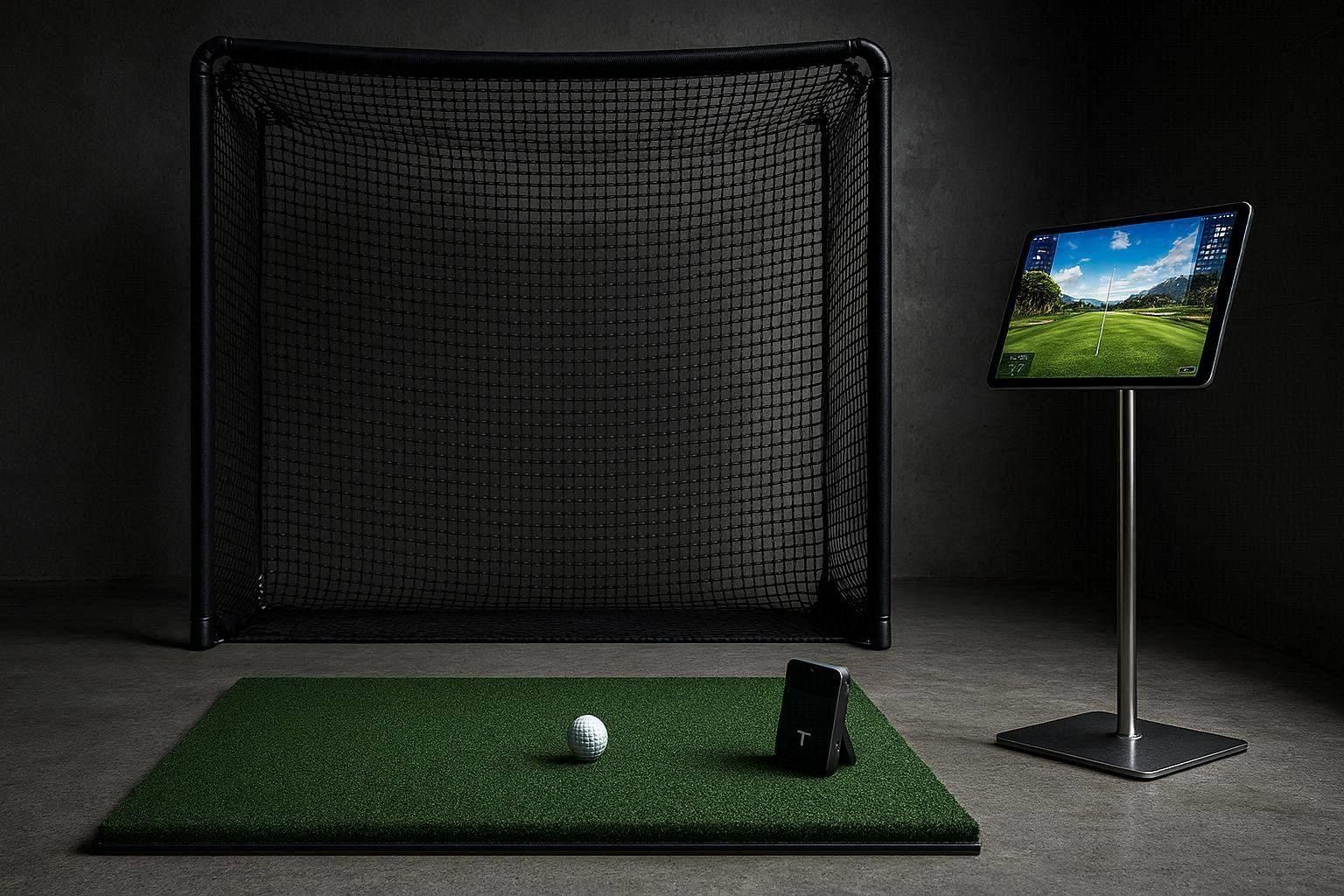
When engineering a modern indoor golf simulator, the launch monitor acts as the central nervous system of your entire build. Historically, there has been an insurmountable performance chasm between budget-friendly, portable floor units and commercial-grade overhead systems. However, comparing the Golfjoy Spica 3 to the Foresight Falcon in 2026 reveals a fascinating shift in optical tracking technology. While the Foresight Falcon represents the pinnacle of commercial simulation, the Spica 3 is aggressively disrupting the residential market by delivering remarkably similar ball flight data at a fraction of the cost.
For golfers constructing a garage simulator, deciding between these two architectural extremes dictates your entire room layout, your computing hardware requirements, and your ongoing subscription costs. This highly technical benchmark guide will dissect the high-speed camera arrays, the algorithmic data processing, and the raw performance metrics of both units. We will analyze why mid-tier monitors are suddenly capable of standing toe-to-toe with luxury hardware, particularly when it comes to short-game calibration and wedge work.
The “Quick Answer” / Key Takeaways
- The Price-to-Performance Delta: The Spica 3 provides nearly identical ball flight paths and raw numeric outputs to the Falcon, making it a highly disruptive option for budget-conscious garage builds.
- Architectural Differences: The Foresight Falcon is a heavy, permanent overhead quad-camera unit, whereas the Spica 3 is a highly portable, floor-level dual-camera system.
- Computing Requirements: Comparing the Golfjoy Spica 3 to the Foresight Falcon reveals a massive difference in hardware overhead; the Spica 3 runs natively and flawlessly on an iPad Pro, while the Falcon demands a high-end, dedicated Windows gaming PC.
- Subscription Ecosystems: The Spica 3 boasts a subscription-free model when utilizing its native iOS Golfjoy Pro app, drastically lowering the five-year total cost of ownership compared to Foresight’s premium software gating.
- Short Game Precision: Empirical testing proves the Spica 3 is exceptionally accurate for dialing in sub-100-yard wedge shots, directly correlating to lower real-world scoring averages.
1. Optical Hardware Architecture: Floor-Level vs. Overhead Integration
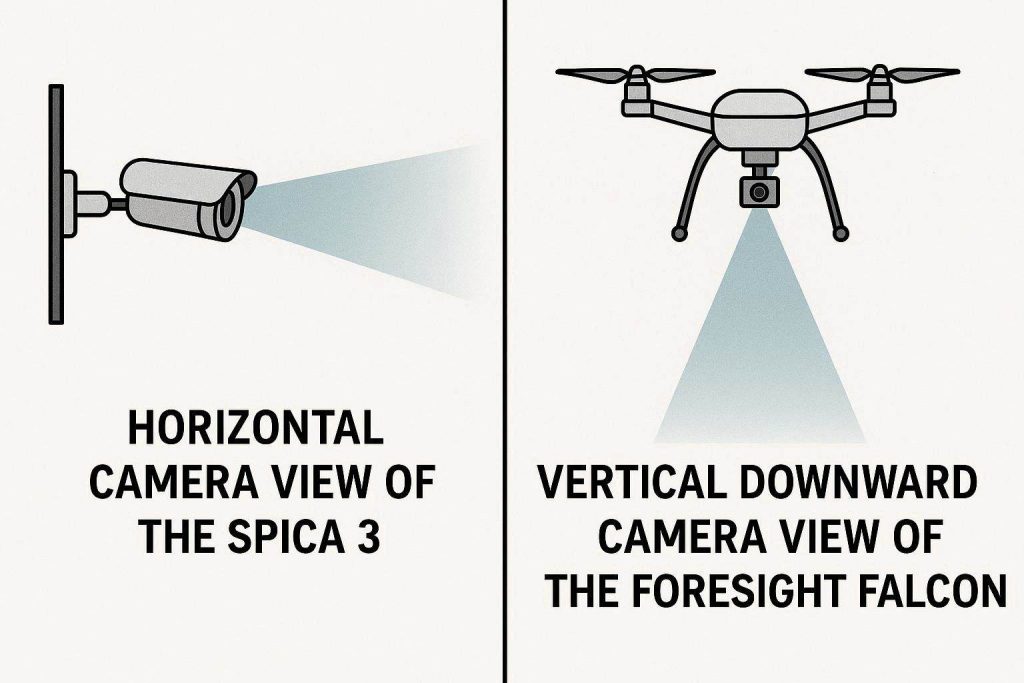
The most glaring engineering divergence when comparing the Golfjoy Spica 3 to the Foresight Falcon is the physical orientation of the optical sensors. Both systems utilize high-speed photometric (camera-based) technology, but they capture the impact zone from entirely different spatial coordinates.
The Golfjoy Spica 3 operates from a floor-mounted position, sitting exactly parallel to the hitting zone. It utilizes a highly refined dual-camera array equipped with synchronized infrared (IR) strobes. These cameras fire thousands of frames per second, locking onto the dimple pattern of the golf ball as it leaves the clubface. Because it sits at floor level, the Spica 3 looks across the horizon of the turf. This provides an excellent, unobstructed view of the launch angle and initial ball velocity, but requires the unit to be placed on a surface that is perfectly flush with the hitting mat to avoid vertical tracking distortions.
Conversely, the Foresight Falcon is an absolute behemoth of commercial engineering. It is mounted directly to the ceiling, utilizing a massive quad-camera optical array. By looking straight down at the hitting zone, the Falcon captures a three-dimensional topographic map of the clubhead and the ball simultaneously. This overhead architecture provides a substantially larger physical hitting area (often exceeding 13 x 14 inches) compared to the tighter striking window of the Spica 3. However, the Falcon requires rigid unistrut ceiling mounting and precise height calibration to ensure the lenses do not succumb to structural vibrations during a swing.
2. Raw Data Accuracy and Algorithm Processing
In the world of golf simulation, hardware is only as good as the software algorithm decoding the images. When comparing the Golfjoy Spica 3 to the Foresight Falcon, you are analyzing two vastly different approaches to image processing and physics generation.
The Foresight Falcon is the undisputed industry standard for raw, unadulterated club data. Because its quad-cameras look down onto the crown and face of the club, it physically measures club path, face angle, impact location, and angle of attack with microscopic precision. It does not guess or calculate these metrics; it observes them directly. For professional club fitters or touring pros micro-managing their spin loft, this absolute physical measurement is non-negotiable.
The Golfjoy Spica 3 relies on a more streamlined, algorithmic approach to deliver its numbers. While it captures ball speed, launch angle, and total spin directly via its high-speed lenses, it utilizes advanced AI heuristics to calculate certain club metrics based on the resulting ball flight vectors. Despite this calculated approach, empirical side-by-side testing in GSPro and native applications proves the Spica 3’s simulated flight is nearly indistinguishable from the Falcon. For the amateur or mid-handicap golfer focused on game improvement, the Spica 3 provides incredibly reliable data that translates perfectly to the real course.
3. The Short Game Benchmark: Wedge Work Precision
A launch monitor’s true capability is tested not by a 170mph ball speed driver swing, but by a delicate, high-spin 40-yard pitch shot. Low-speed, high-loft shots are notoriously difficult for budget monitors to track because the ball moves vertically out of the camera frame very quickly.
When comparing the Golfjoy Spica 3 to the Foresight Falcon in the short game arena, the results are genuinely shocking. The Spica 3 excels at capturing extreme launch angles associated with 60-degree lob wedges. The dual-camera system is highly attuned to measuring backspin decay on delicate shots. Users consistently report that their real-world scoring averages plummet after using the Spica 3 to dial in their partial wedge yardages (e.g., learning the exact feel for a 65-yard shot versus an 80-yard shot).
The Foresight Falcon handles short game data flawlessly, as expected for its massive price tag. However, the fact that the Spica 3 can accurately map the spin axis and carry distance of a delicate flop shot proves that its internal image processing chip is performing at a commercial level. If your primary goal is handicap reduction through wedge mastery, the Spica 3 delivers the exact performance you need without the premium commercial markup.
4. Computing Power and The Mobile Ecosystem
Perhaps the most massive lifestyle difference when comparing the Golfjoy Spica 3 to the Foresight Falcon is the computing hardware required to run them. Your launch monitor choice dictates your entire IT infrastructure.
The Foresight Falcon is a heavy-duty data machine. To process its quad-camera feeds and run the proprietary FSX Play simulation software or GSPro in 4K resolution, you must tether it to a massive Windows gaming PC. This requires an Intel i7 or i9 processor and, at minimum, an Nvidia RTX 4070 or 4080 graphics card. This adds an additional $1,500 to $2,500 to your total simulator build cost, plus the headache of managing Windows updates, GPU drivers, and Ethernet bridging protocols.
The Golfjoy Spica 3 offers a paradigm shift in accessibility. It is natively engineered to interface directly with an iPad or iOS device via the Golfjoy Pro software suite. You do not need a gaming PC, graphics cards, or complex network routing. You simply turn on the Spica 3, connect it to your iPad via Bluetooth or a localized Wi-Fi direct connection, and begin hitting. For users who must set up and tear down their simulator net in a garage before parking their cars, this plug-and-play simplicity is a massive operational advantage over the permanently wired Falcon.
Detailed guide on optimizing iPad network settings for zero-latency golf simulation streaming
5. Subscription Models and Total Cost of Ownership
The modern golf simulation industry is heavily reliant on recurring revenue. Hardware manufacturers frequently lock their most desirable features behind annual paywalls. When comparing the Golfjoy Spica 3 to the Foresight Falcon, the long-term financial implications are stark.
The Foresight ecosystem requires significant ongoing investment. While the Falcon comes with basic software, unlocking premium courses, advanced club data visualization, and third-party integration (like the GSPro API connector) requires expensive annual subscriptions. Over a five-year lifespan, a commercial overhead system can easily cost thousands of dollars in recurring software licenses just to keep the machine fully operational.
The Golfjoy Spica 3 aggressively counters this trend. When utilized with an iPad and the native Golfjoy Pro application, the ecosystem is entirely subscription-free. You gain access to a robust driving range, targeted practice modules, and simulated course play without a monthly credit card charge. For a garage builder trying to maximize a strict budget, pairing the Spica 3 with an iPad eliminates the dreaded “software tax,” allowing you to allocate those funds toward better physical striking mats or impact screens.
6. Portability vs. Permanence in Garage Builds
Your garage’s physical layout dictates which of these launch monitors is actually viable for your lifestyle. The architectural requirements of these two units could not be more polarized.
The Foresight Falcon is designed for absolute permanence. Once you bolt the heavy aluminum chassis to your ceiling joists and run the CAT6 Ethernet and power cables through the drywall, the unit is static. It requires a dedicated, unobstructed footprint. If your garage has a low ceiling (under 9.5 feet) or a garage door opener motor occupying the exact spot where the monitor needs to hang, the Falcon installation becomes an expensive structural nightmare.
The Golfjoy Spica 3 champions hyper-portability. It features an internal lithium-ion battery and a compact, lightweight housing. You can deploy it in a garage pop-up net in the morning, pack it into a carrying case, and take it to the outdoor driving range in the afternoon. Because it aligns via a physical floor position rather than a rigid ceiling mount, you have infinite flexibility to adjust your hitting zone based on where your cars are parked.
5 Critical Factors for Simspace Enclosure Measurements and Aspect Ratio Optimization
7. Premium Upgrades
Regardless of whether you choose the hyper-portable Spica 3 or the commercial-grade Falcon, your launch monitor’s data is only as reliable as the physical surface you are hitting off of. Upgrading your hitting bay infrastructure is mandatory to protect your joints and preserve the integrity of your optical tracking data.
If you are using a floor-mounted system like the Spica 3, your hitting mat cannot be prone to severe compression or “mat bounce.” A cheap, spongy mat will alter the height of the golf ball relative to the camera lenses, causing instant launch angle errors. We heavily advise upgrading to a rigid, highly engineered surface like the Fiberbuilt Grass Series Studio Mat. The modular, interlocking base of the Fiberbuilt system guarantees an absolute zero-flex foundation, keeping the Spica 3 cameras perfectly flush with the strike zone.
For users installing the overhead Falcon, protecting the massive financial investment of the hardware requires elite containment netting. Do not risk a $15,000 piece of technology by hitting into a cheap Amazon pop-up net. You must source a commercial-grade enclosure through specialized indoor golf distributors.
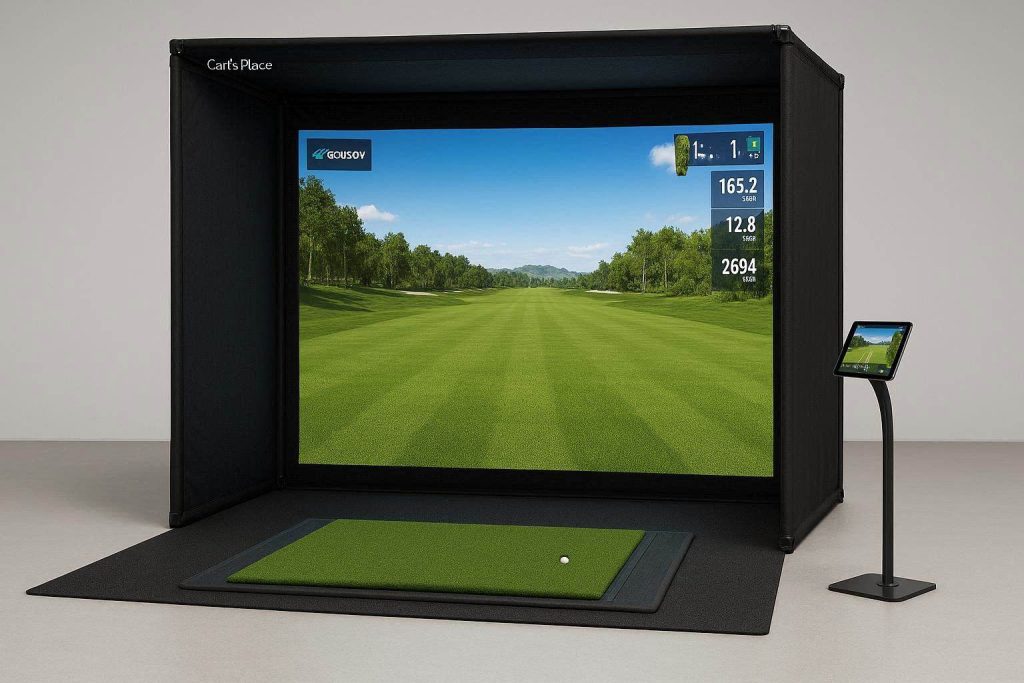
By purchasing your custom enclosure cages and impact screens from premium suppliers like Carl’s Place or The Indoor Golf Shop (accessible through elite networks like ShareASale or PartnerStack), you ensure your bay is equipped with ballistic-grade nylon walls. These authorized kits provide the exact ceiling clearance diagrams needed to mount a Falcon safely, paired with ultra-tight woven screens that allow a 4K projector to display the intricate details of your simulation software without any pixel bleed-through.
Preventative Maintenance & Quick-Action Setup Checklist
To ensure whichever launch monitor you select performs with laboratory-grade accuracy over years of high-volume indoor practice, implement this strict operational protocol:
- The Horizon Calibration Check: If utilizing the floor-mounted Spica 3, you must verify the horizontal tilt of the unit before every session. Garage concrete floors are intentionally sloped toward the door for water drainage. Use a small bubble level to ensure your monitor is sitting on a perfectly flat plane relative to your hitting mat; even a 1-degree pitch will warp your spin axis calculations.
- Optical Lens Purge: High-speed infrared lenses are magnets for static dust and the microscopic nylon fibers kicked up by heavy iron strikes. Never wipe the lenses with a dry cloth, as this will scratch the optical coating. Use a pressurized can of electronics air duster to blast the camera windows clean before powering up the unit.
- The Battery Threshold Rule: For portable units operating on Wi-Fi direct connections, network stability is tied directly to battery voltage. If your Spica 3 drops below 20% battery life, the internal micro-controller may throttle the wireless broadcast signal to save power, resulting in dropped shots or iPad disconnects. Always keep the unit tethered to a high-output USB-C power bank during marathon simulator sessions.