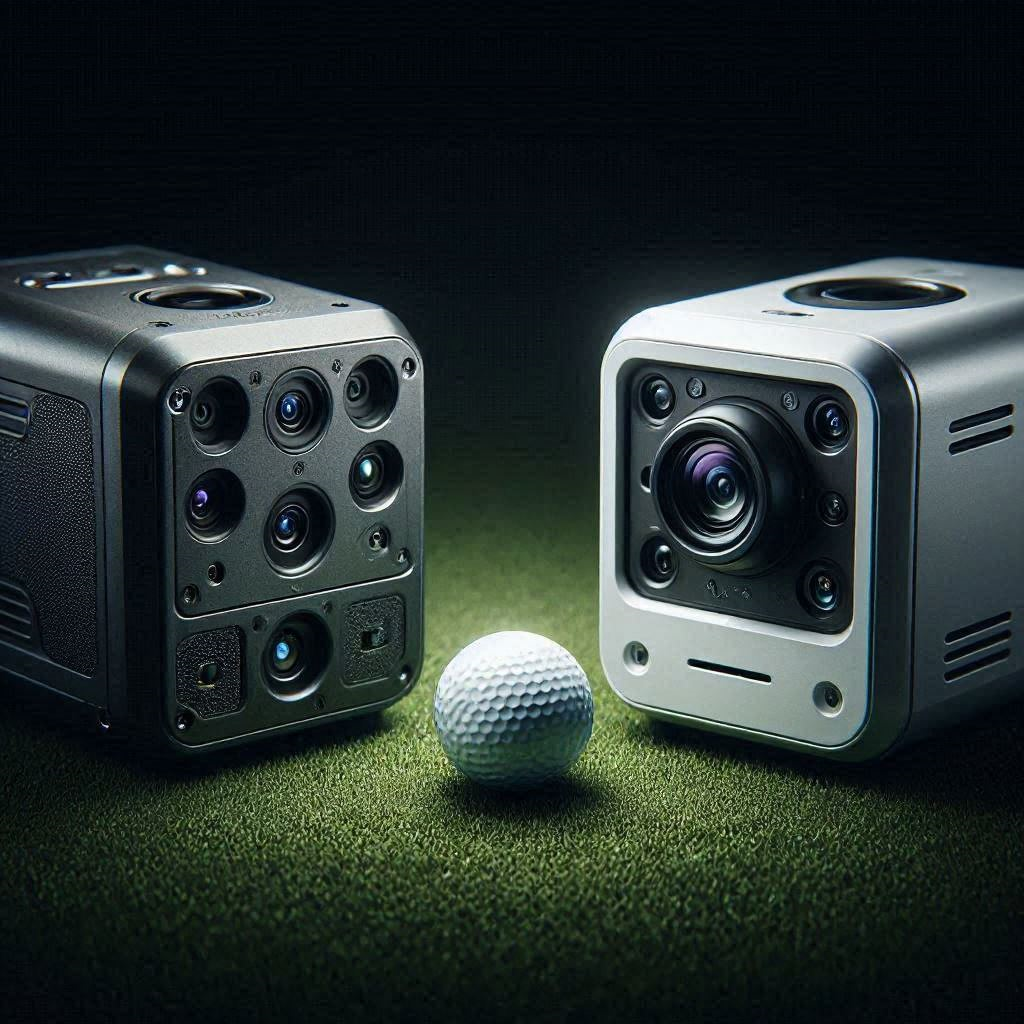
Building the perfect indoor golf simulator requires making a critical decision at the heart of your setup: choosing the right launch monitor. In the fiercely competitive mid-tier prosumer market, the debate almost always boils down to the Bushnell Launch Pro vs SkyTrak+. Both units have revolutionized home golf by bringing tour-level data to the garage, but they go about capturing that data in fundamentally different ways. For golfers looking to invest between $2,000 and $3,500, picking the wrong unit can mean frustrating misreads, hidden subscription fees, or an inability to properly analyze your club path. In this exhaustive technical comparison, we will strip away the marketing fluff and benchmark exactly how these two powerhouse units perform under pressure.
The Quick Answer: Which Should You Buy?
- The Technology: The Bushnell Launch Pro uses a tri-scopic high-speed camera system (photometric), while the SkyTrak+ utilizes a hybrid system combining stereoscopic cameras with dual Doppler radar.
- Accuracy Benchmark: The Launch Pro delivers unparalleled, lab-grade accuracy, especially in spin axis and high ball-speed environments, edging out the SkyTrak+ for serious low-handicap players.
- Data Flexibility: Bushnell allows you to purchase a “Ball Data Only” model for a lower entry price, whereas SkyTrak+ includes both ball and club data natively.
- The Verdict: Choose the Bushnell Launch Pro if you demand absolute precision and plan to use GSPro or FSX. Choose the SkyTrak+ if you want a more casual, budget-friendly entry into simulation without managing club stickers.
Tracking Technology: Photometric vs Hybrid Radar
To truly understand the Bushnell Launch Pro vs SkyTrak+ battle, you must look under the hood at how they track a golf ball traveling at 160 miles per hour.
The Bushnell Launch Pro is built on the exact same architecture as the Foresight GC3. It is a purely photometric device, meaning it relies entirely on three ultra-high-speed cameras. These cameras take thousands of high-definition pictures of the golf ball at the exact moment of impact. By comparing these frames, the Launch Pro directly measures the ball’s speed, launch angle, and exact spin rates based on the dimple patterns. Because it physically “sees” the ball leave the clubface, it is practically immune to environmental interference, fan noise, or background clutter.
The SkyTrak+, on the other hand, made massive waves by introducing a hybrid tracking system. It retains a stereoscopic camera system to measure the ball’s initial launch characteristics, but it introduces a dual Doppler radar unit specifically tasked with tracking the clubhead. Radar excels at tracking large, moving metallic objects. This hybrid approach allows the SkyTrak+ to offer extensive club data without requiring the user to place reflective stickers on their clubface.
[IMAGE PLACEHOLDER: A technical graphic showing the camera array of the Bushnell Launch Pro juxtaposed against the radar waves of the SkyTrak+. Alt Text: Bushnell Launch Pro vs SkyTrak+ tracking technology comparison.]
The Impact of Club Stickers
The tracking methodologies create a stark difference in user experience. To get club data (Club Path, Angle of Attack, etc.) on the Bushnell Launch Pro, you must apply small, reflective fiducial stickers to the face of every single club in your bag. The cameras look for these stickers to calculate how the club is moving through space. While applying stickers is slightly tedious, the resulting data is mathematically indisputable.
The SkyTrak+ radar system requires zero stickers. You simply drop the ball and swing. The radar tracks the clubhead sweeping through the hitting zone and calculates the path. However, radar in an indoor environment can occasionally struggle with interference or highly lofted wedge shots, leading to calculated assumptions rather than absolute optical measurements. For a scratch golfer tweaking their swing by a single degree, the sticker-based camera system of the Launch Pro provides a tighter margin of error.
Ball and Club Data Benchmarks
When comparing the Bushnell Launch Pro vs SkyTrak+, we must benchmark the exact data parameters they provide. Both units excel at the core metrics: ball speed, launch angle, total spin, carry distance, and off-axis spin (which determines your slice or hook).
Bushnell Launch Pro Precision
In controlled indoor testing, the Launch Pro is a benchmark standard. Total indoor average deviations sit around a staggering 1.14 percent. Ball speed variance is nearly non-existent (under 0.4 percent variance), and spin rate accuracy is routinely within 50 to 100 RPMs of $20,000 commercial units like the TrackMan 4. The Launch Pro directly measures spin axis, which is crucial for determining exact shot shape. If you hit a massive block-slice, the Bushnell will read it flawlessly, with virtually zero dropped shots or missed reads.
SkyTrak+ Performance
The SkyTrak+ is a massive leap over the original SkyTrak model. The addition of the radar unit means it now provides vital club data like Club Speed, Club Path, Face to Path, and Smash Factor. The ball data remains highly accurate for mid-to-high handicap players. However, testing shows that the SkyTrak+ can occasionally struggle with extreme extremes—such as 180+ mph ball speeds from long drive competitors or extremely high-spin wedge shots off tightly woven mats. Furthermore, the SkyTrak+ does not provide Angle of Attack, a critical metric for optimizing driver distance.
Space Requirements and Setup Hardware
Indoor simulator builds live and die by physical space constraints. Both of these units are optical/radar systems that sit directly adjacent to the golf ball (unlike rear-mounted radar units like the Garmin R10 or Mevo+, which require 16 feet of total room depth).
Both the Bushnell Launch Pro and SkyTrak+ require roughly the same footprint. They sit just outside the hitting area, facing the golfer. However, the exact hitting zone varies. The Bushnell Launch Pro has a famously generous hitting zone (roughly 7 by 10 inches). You can drop the ball anywhere in that general area, wait for the green indicator light, and swing.
The SkyTrak+ relies on a precise red laser dot projected onto your hitting mat. The ball must be placed directly on or intimately close to this dot for the cameras to trigger correctly. While it only takes a second to place the ball on the laser, it can be slightly annoying if your mat develops a small depression directly over the laser spot, forcing you to hit out of a divot.
Additionally, the Bushnell Launch Pro features a brilliant, built-in touchscreen display. If you simply want to hit balls into a net without booting up a gaming PC or iPad, the Bushnell gives you immediate, crisp data directly on the device. The SkyTrak+ possesses no screen and must be paired with an external device (PC, tablet, or phone) to view any numbers.
A comprehensive guide to building a garage golf simulator and calculating exact room dimensions.
The Permanent Fix: Choosing the Right Software Ecosystem
The hardware is only half the battle. The Bushnell Launch Pro vs SkyTrak+ debate often ends the moment a user decides which simulator software they want to run.
Foresight FSX vs SkyTrak Software
The Bushnell Launch Pro locks you into the Foresight Sports ecosystem. The native software is FSX Play and FSX 2020. FSX Play offers absolutely stunning, hyper-realistic graphics rendered on the Unity engine, but it requires a very powerful, high-end gaming PC to run smoothly.
The SkyTrak+ comes with the native SkyTrak software app. It is colorful, incredibly user-friendly, and runs flawlessly on an iPad. It features fantastic practice range environments, bag mapping, and skills challenges. It is arguably the best “out of the box” practice software for the average consumer who does not want to build a custom computer.
The GSPro Factor
For many hardcore simulator enthusiasts, GSPro is the only software that matters. It features thousands of user-created courses, hyper-realistic ball physics, and massive online tours. The Bushnell Launch Pro integrates beautifully with GSPro (provided you pay for the necessary subscription tier to unlock third-party software). The SkyTrak+ also connects to GSPro via an OpenAPI connection. However, historically, putting on the SkyTrak+ within GSPro has been finicky, requiring specific workarounds or resulting in missed reads on very delicate, 3-foot putts.
If you intend to play highly competitive online simulator golf, the Bushnell Launch Pro paired with GSPro is the premium, bulletproof upgrade path. You will never have to apologize to your online playing partners for a misread shot.
Total Cost of Ownership: Subscriptions and Tiers
The pricing models are where the true comparison becomes muddy.
The SkyTrak+ retails for roughly $2,995. You receive both ball and club data natively. To play simulator courses (like E6 Connect or WGT), you will need to pay an annual subscription to SkyTrak (usually around $129 to $249 a year depending on the tier).
The Bushnell Launch Pro starts at a lower entry point of $1,999. However, that base model is strictly limited to Ball Data only. If you want Club Data, you must either buy the unlocked version upfront for significantly more money or pay a steep $499 annual “Gold” subscription fee. This Gold subscription unlocks the club data and allows integration with third-party software like GSPro. Over a five-year lifespan, the Bushnell Launch Pro will be a significantly more expensive investment due to the recurring heavy subscription fees.
[INTERNAL LINK: Review of the best high-end gaming PCs built specifically for 4K golf simulation.]
Preventative Maintenance and Setup Checklist
Regardless of which side of the Bushnell Launch Pro vs SkyTrak+ argument you fall on, maximizing your investment requires a flawless physical setup. Launch monitors are sensitive optical instruments.
Use this quick-action checklist to ensure your simulator space is optimized for perfect reads:
- Lighting Control: Eliminate harsh, direct LED spotlights or direct sunlight shining straight into the camera lenses. Both units perform best in controlled, diffuse indoor lighting.
- Background Check: Remove highly reflective objects (like white shoes, mirrors, or glossy metal toolboxes) from the background behind the golfer, as these can confuse the stereoscopic cameras.
- Level the Unit: A launch monitor that is tilted will give inaccurate launch angles. Ensure the unit is perfectly level with your hitting mat. If your mat sits an inch above the concrete floor, you must build a one-inch elevated platform for the launch monitor to sit on so they share the exact same horizontal plane.
- Clean the Optics: Use a microfiber cloth to gently wipe dust from the camera lenses every week. A dusty lens will result in dropped shots and extreme spin-axis calculation errors.
Ultimately, the choice comes down to your budget and your handicap. If you are a single-digit handicap player looking to shave strokes off your game with absolute, lab-grade certainty, pay the premium for the Bushnell Launch Pro. If you are looking for a highly enjoyable, accurate, and family-friendly simulator experience without the hassle of club stickers and massive annual fees, the SkyTrak+ is an undeniable triumph.